
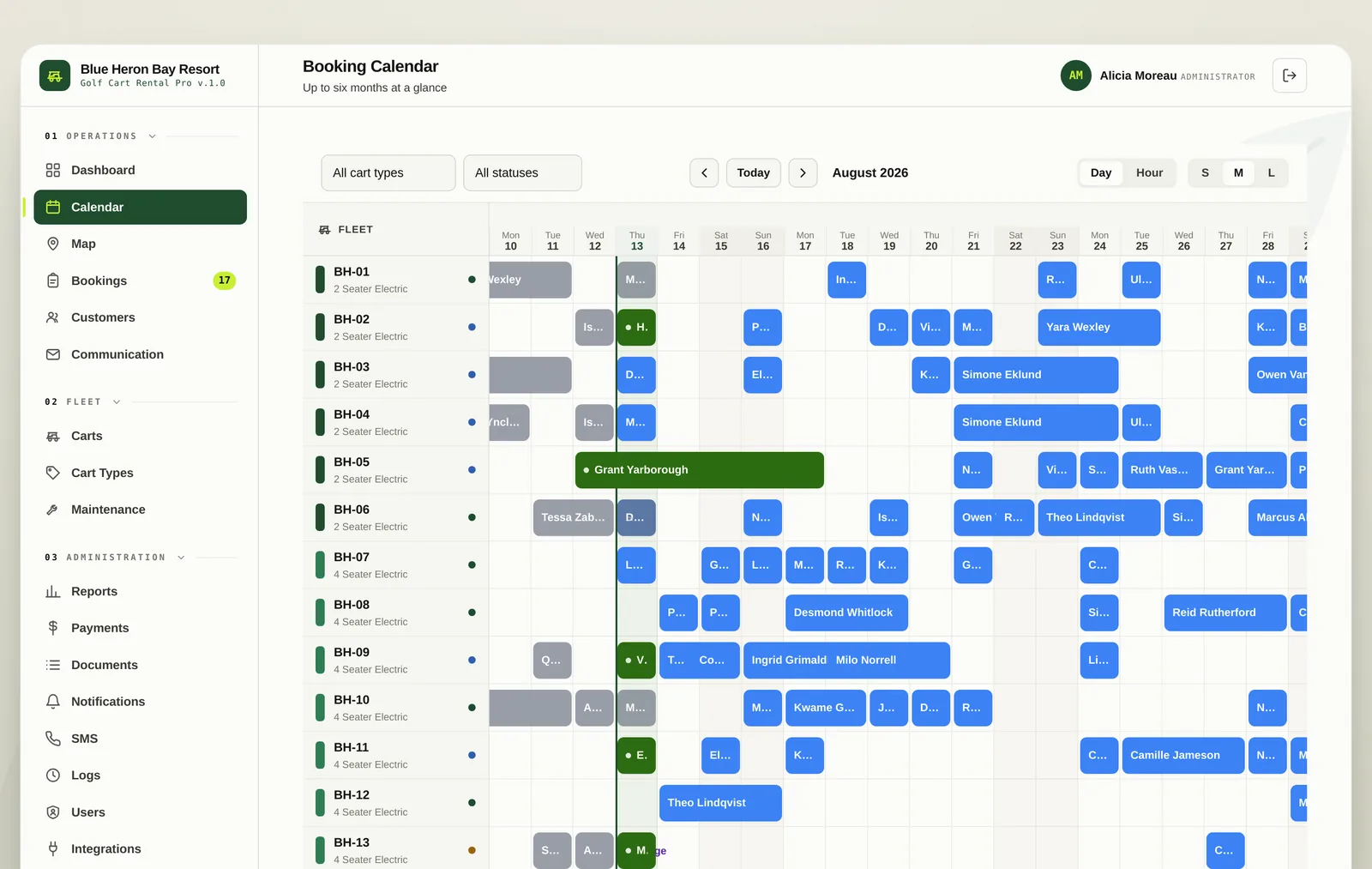
Booking calendar
Every cart as a row, every rental as a block. Drag to reschedule, filter by type or status, and see six months at a glance.
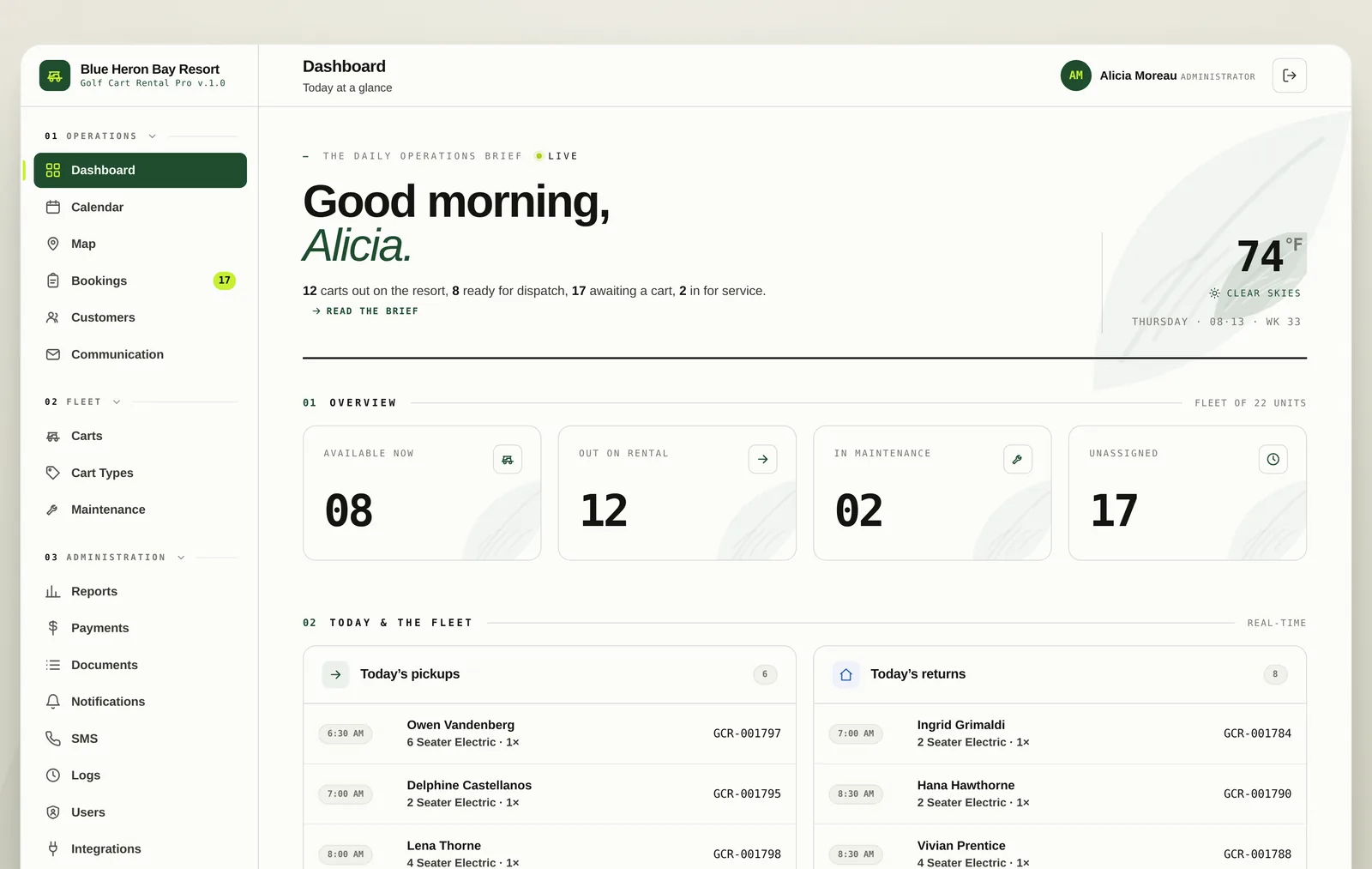
Golf Cart Rental Pro is the rental system for resorts, RV parks and cart rental operators. Bookings, cart assignment, maintenance, payments and the guests riding around your property, all in one place instead of five.
Built for hourly and daily rentals · Card payments included
Carts parked on the property for guests staying with you, billed by the hour or the day and tied to the site they are staying on.
Independent operators running a fleet inside one park or across several, with their own pricing, their own payments and their own guests.
Anywhere a fleet of carts moves people around a property and somebody has to know where every one of them is right now.
Most cart fleets are run on a paper calendar, a card reader that lives in a drawer and one person who knows which cart is where. It works until the Saturday it does not: two guests are promised the same six seater, a cart goes out with a flat battery, and nobody can say what the fleet actually earned last month.
Golf Cart Rental Pro replaces all of it. The calendar, the card machine, the maintenance log, the rental agreement and the guest’s own booking page are one system, so the answer to any question is on a screen instead of in somebody’s head.
Every cart as a row, every rental as a block. Drag to reschedule, filter by type or status, and see six months at a glance.
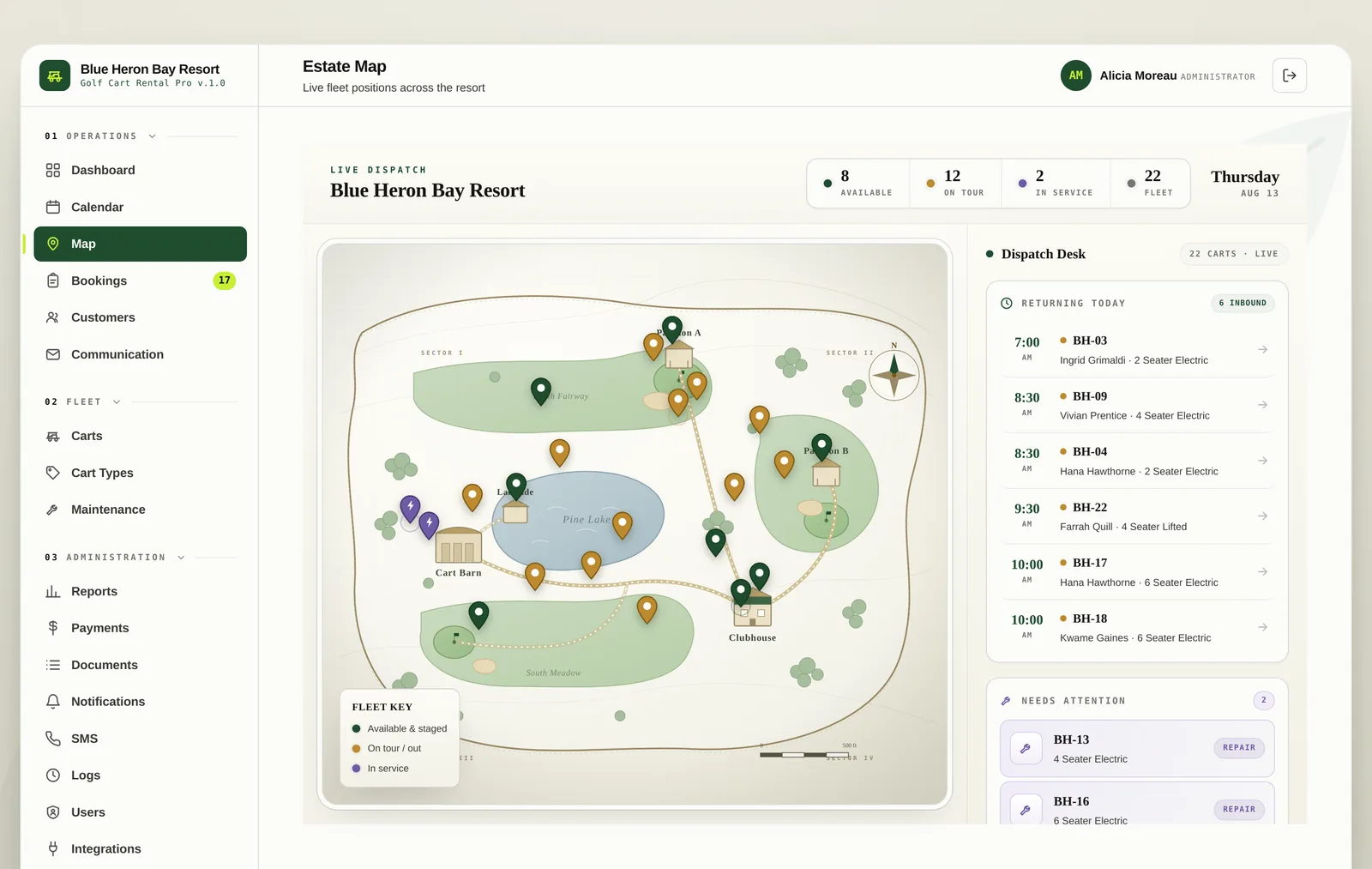
An illustrated map of your property with a pin on every cart, colour coded by available, out on tour or in for service.
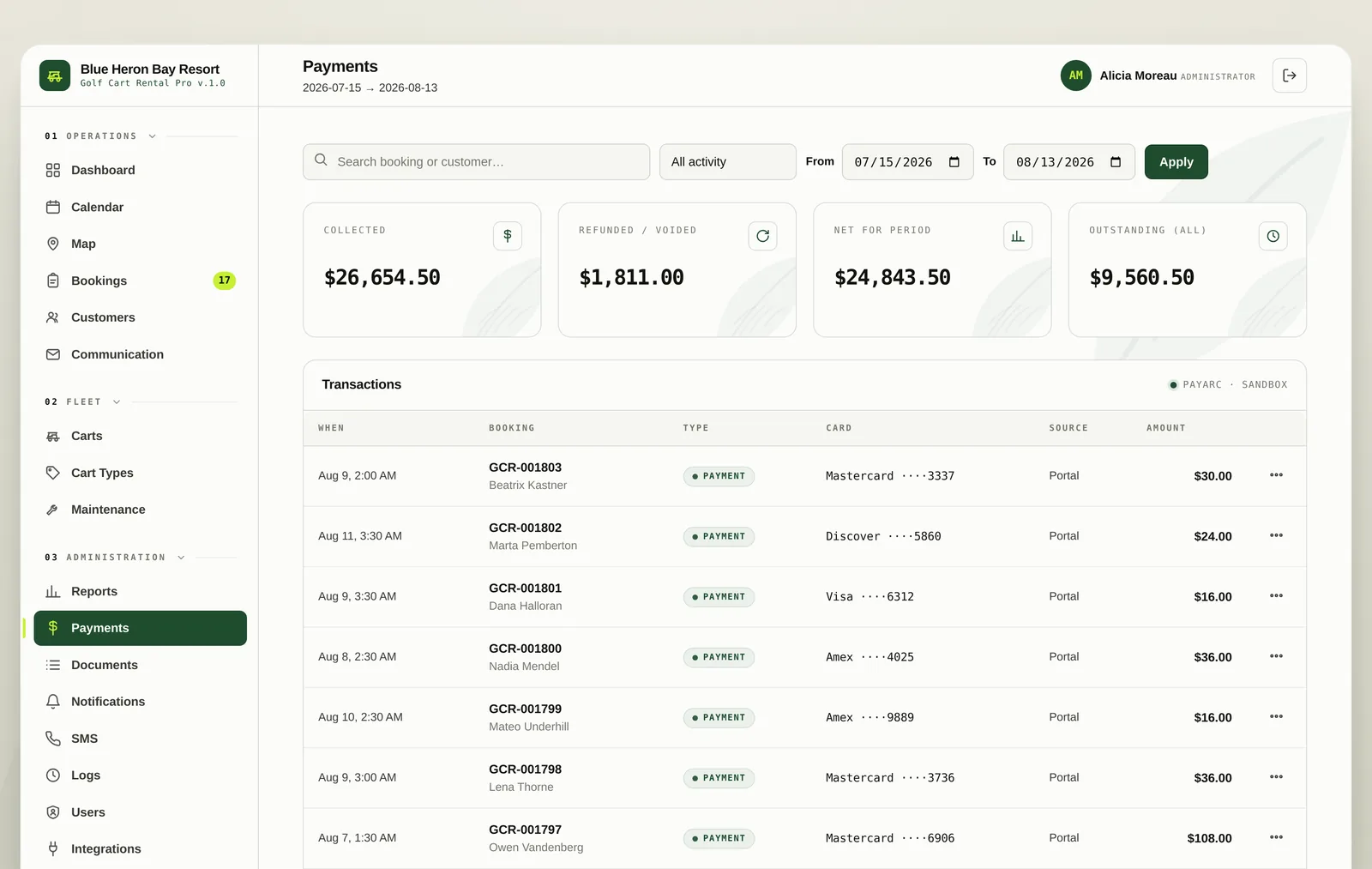
Take payment at booking or at the desk, hold a deposit, refund in a click and keep a ledger that ties to every rental.
Guests track their own rental, extend it, add a card and message the desk without picking up the phone.
A widget that drops into your existing website and sells rentals around the clock, with your rates and your availability.
Work orders, service history and blocks that keep a cart off the calendar while it is in the shop.
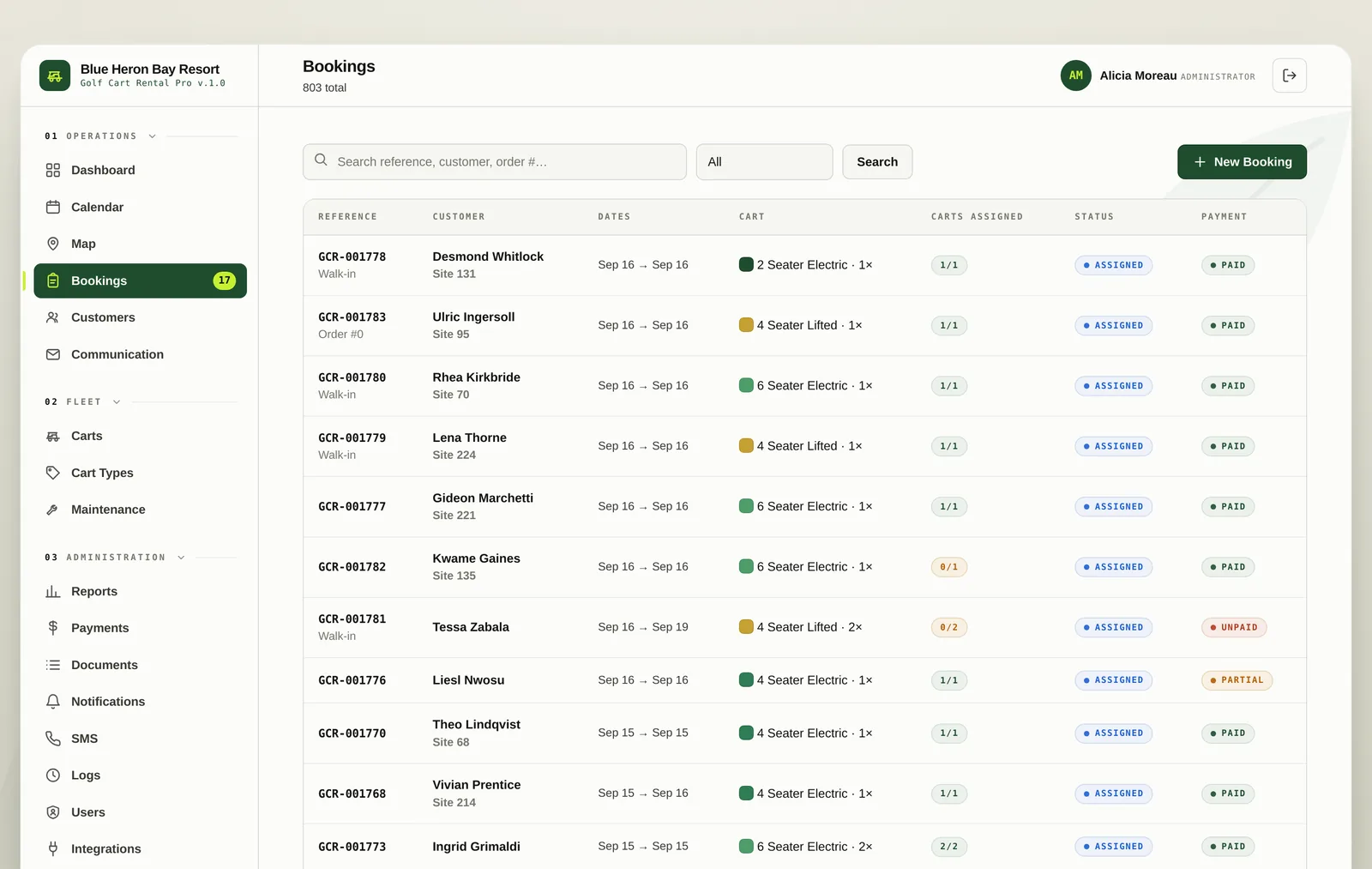
The calendar puts every cart on its own row so double booking is something you can see before it happens. Assign a cart in one drag, filter down to a single type, and switch between a day and an hour view when the schedule gets tight.
The dispatch desk shows your property as an illustrated map with a pin on every cart. Green is staged and ready, amber is out on tour, purple is in service. Beside it sits the list of what is coming back today and what needs attention before it goes out again.
Charge a card at booking or at the desk, collect a deposit, split a processing fee and refund a payment from the same screen you took it on. Every charge lands in a ledger that reconciles against the rental it belongs to.
Every booking comes with a portal the guest can sign into. They watch the clock on their rental, extend it when the afternoon is going well, keep a card on file and message the desk directly. That is a phone call your staff does not take.
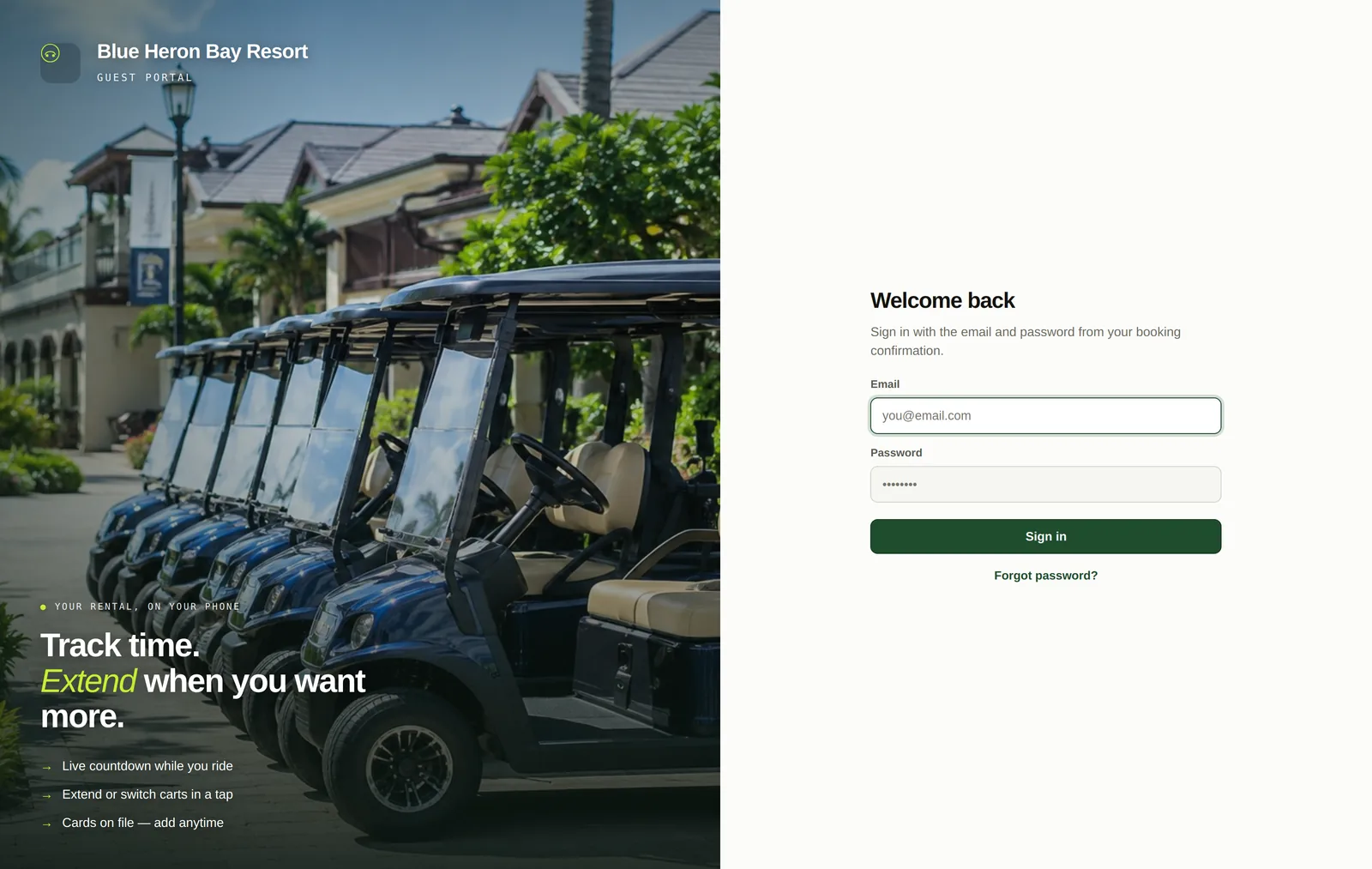
A booking widget drops into the website you already have. Guests pick a cart, choose their hours, see the real price with fees shown plainly, accept your rental agreement and pay by card. The booking appears on your calendar before they have left the page.
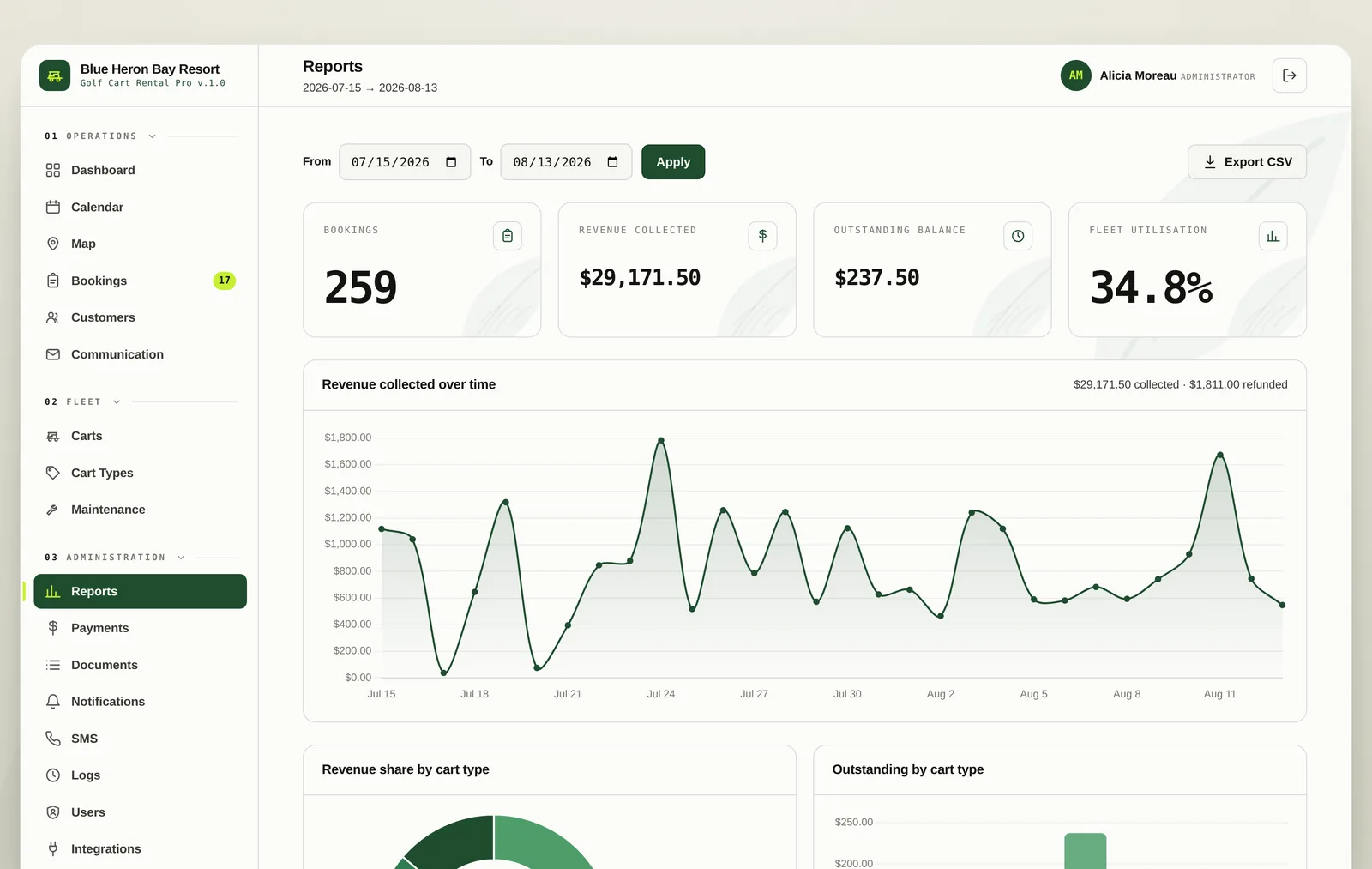
Revenue over time, revenue share by cart type, outstanding balances, fleet utilisation and your busiest carts. Pick a date range, read the answer, export the CSV if your accountant wants it in a spreadsheet.
The parts nobody puts on a feature list, which are the parts you use every day.
Salty Karts runs its Galveston fleet on Golf Cart Rental Pro, taking bookings and card payments through its own website.
Half an hour on a call. We will set it up with your carts, your rates and your property, and you can decide whether it beats the whiteboard.