
Built for a phone
The portal is designed for the device it will actually be opened on, standing next to a cart.
Every booking comes with a portal, branded to your property, that the guest signs into from their phone. It is the difference between a front desk that takes calls all afternoon and one that does not.
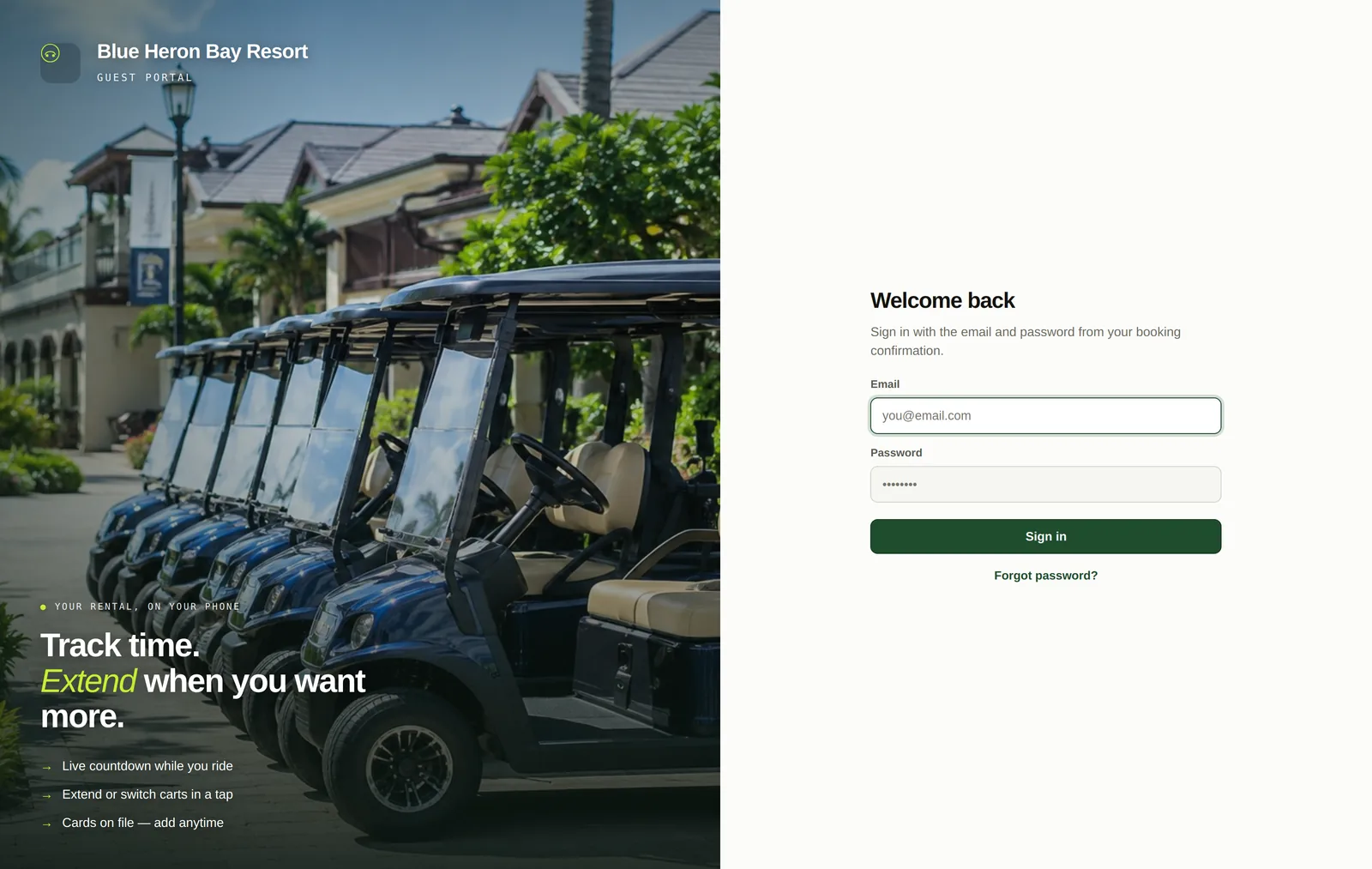
While a rental is running the guest sees exactly how long is left. When the afternoon is going well they extend it in a tap, the extra time is priced against your rates and charged to the card already on file, and your calendar updates.
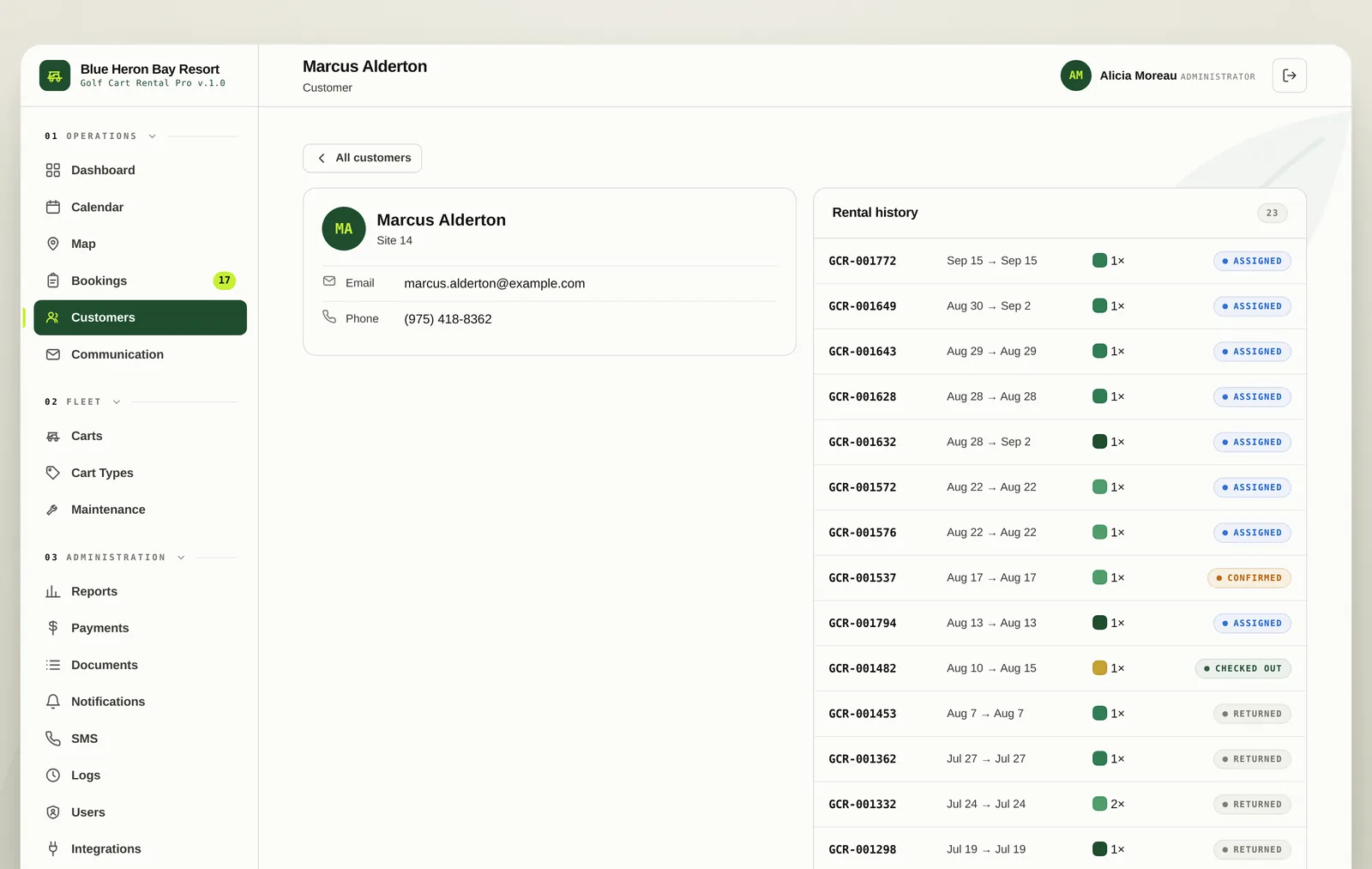
Past rentals, what each one cost and what was paid, all in one place. Guests add and remove their own cards, which means the desk is not reading card numbers over a phone line.
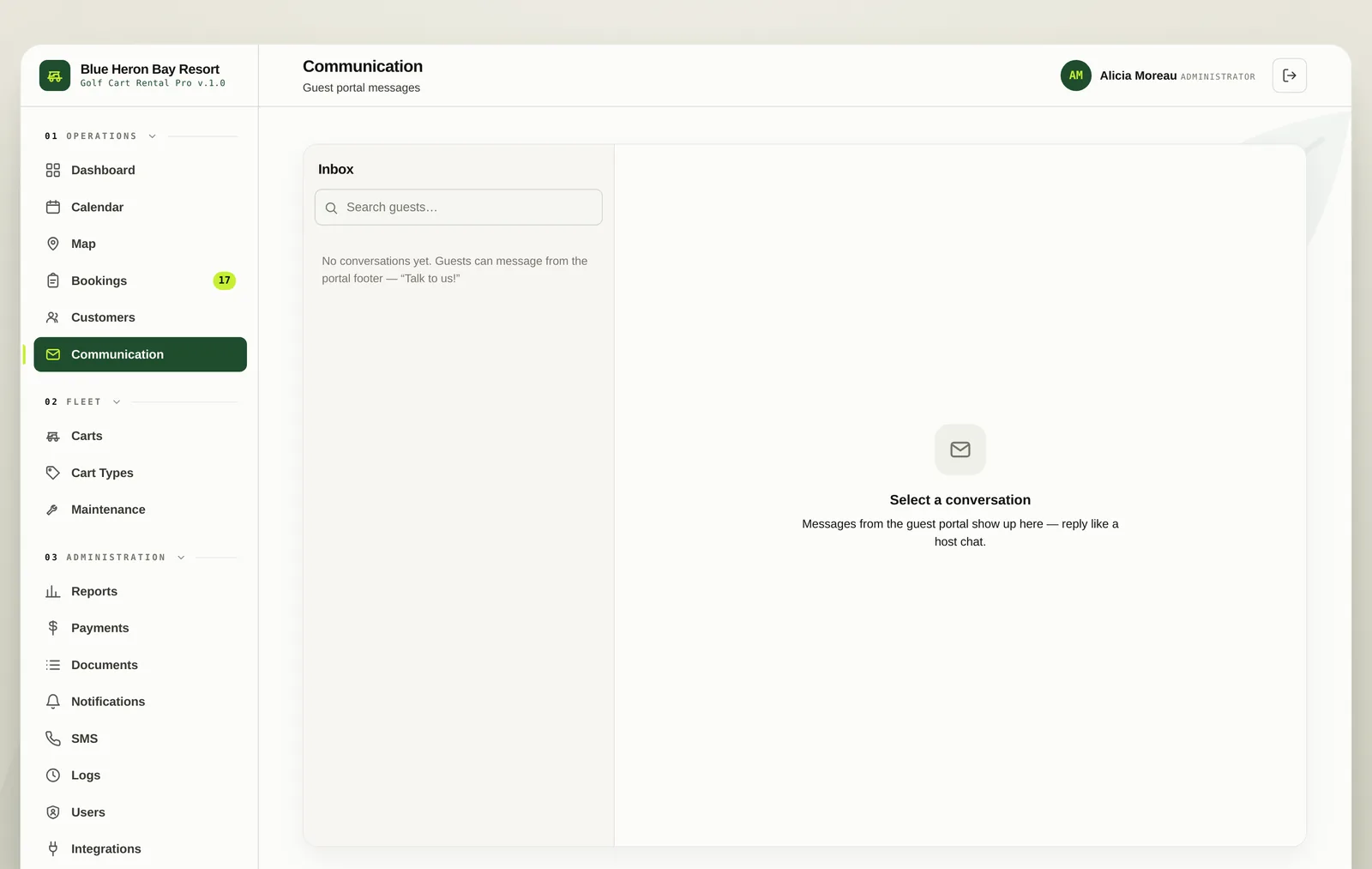
Guests message the desk from the portal and your staff answer from the communication screen. The whole thread stays attached to the guest, so the next person on shift can see what was already said.
The portal is designed for the device it will actually be opened on, standing next to a cart.
Rental agreements and waivers can be shown in the portal and required before payment.
Guests see their own bookings only, with password reset and no access to anything of yours.
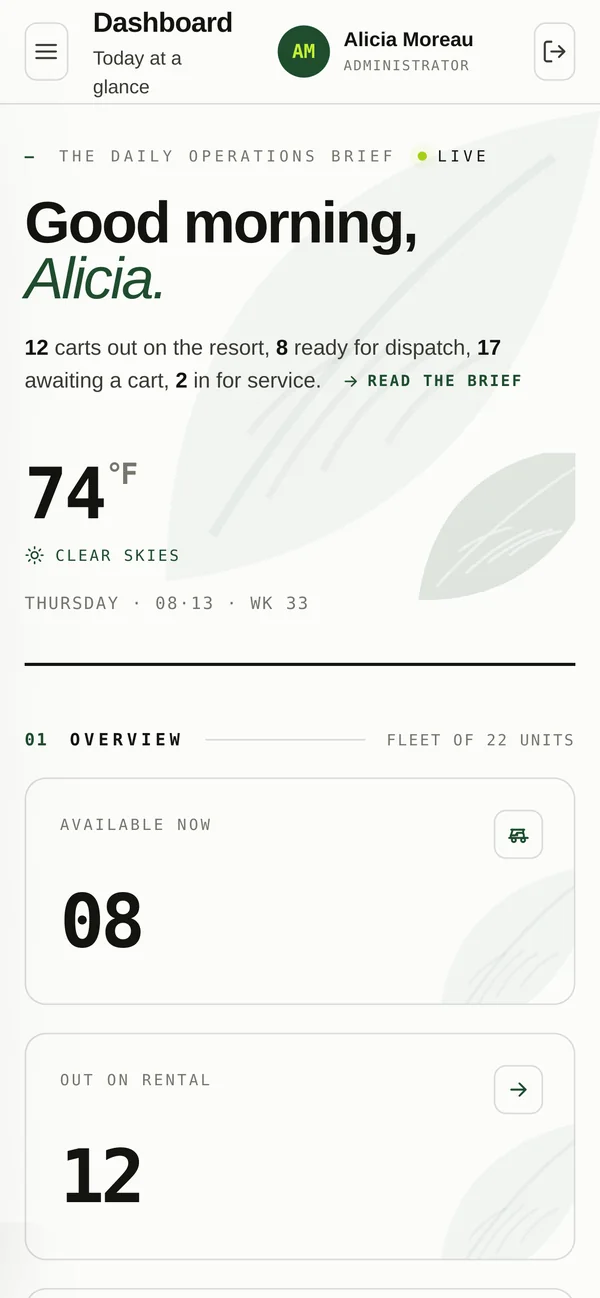
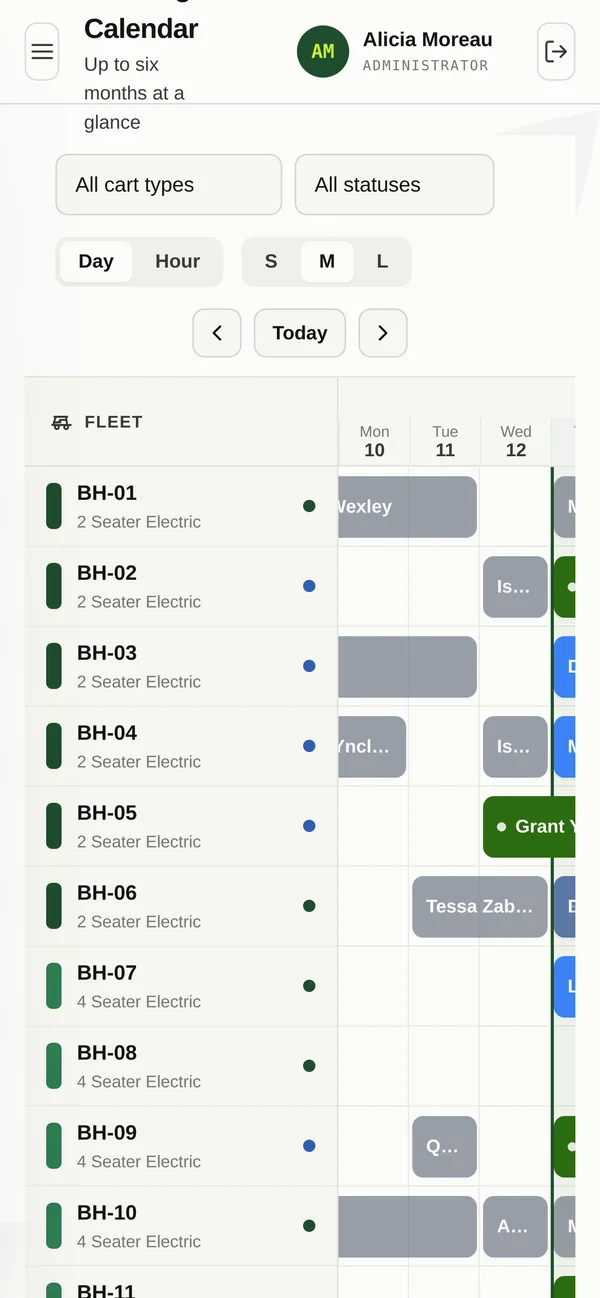
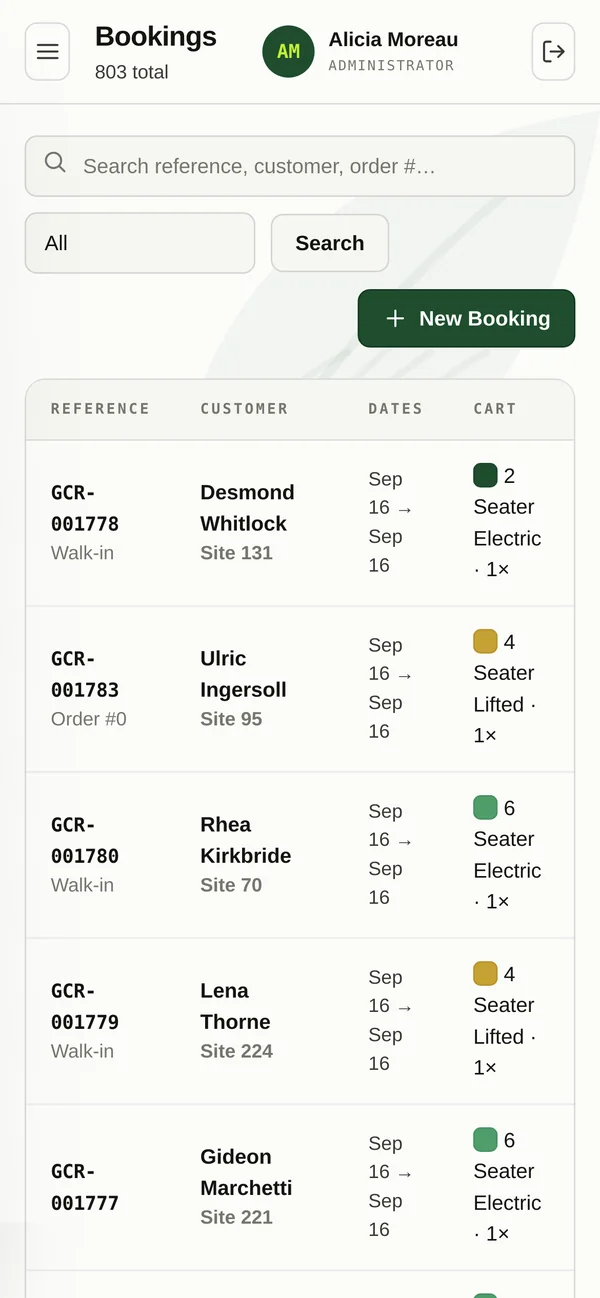
Staff use it standing next to a cart, not sitting at a desk. Every screen in the system is built for the phone as well as the desktop, including the calendar.
Half an hour on a call. We will set it up with your carts, your rates and your property, and you can decide whether it beats the whiteboard.